


VCI200 for MS906 PRO/ITS600/KM100
$372.27
1 Item
Location:
Indonesia
Shipping Method:
Payment Method:
Compatibility:
Guarantee proper compatibility according to the listed part numbers and specifications.
Warranty & Returns:
7-day warranty after installation. Return shipping cost is paid by the buyer. If a return shipping label provided by us is used, the cost will be deducted from the refund amount.
Safe Transaction:
Protected by the Directorate of Consumer Protection – Ministry of Trade, RI.
Brand
Autel
- mpn
- VCI200
Dimenssion
0cm x 0cm x 0cm
Weight
0kg
Condition
New
Description
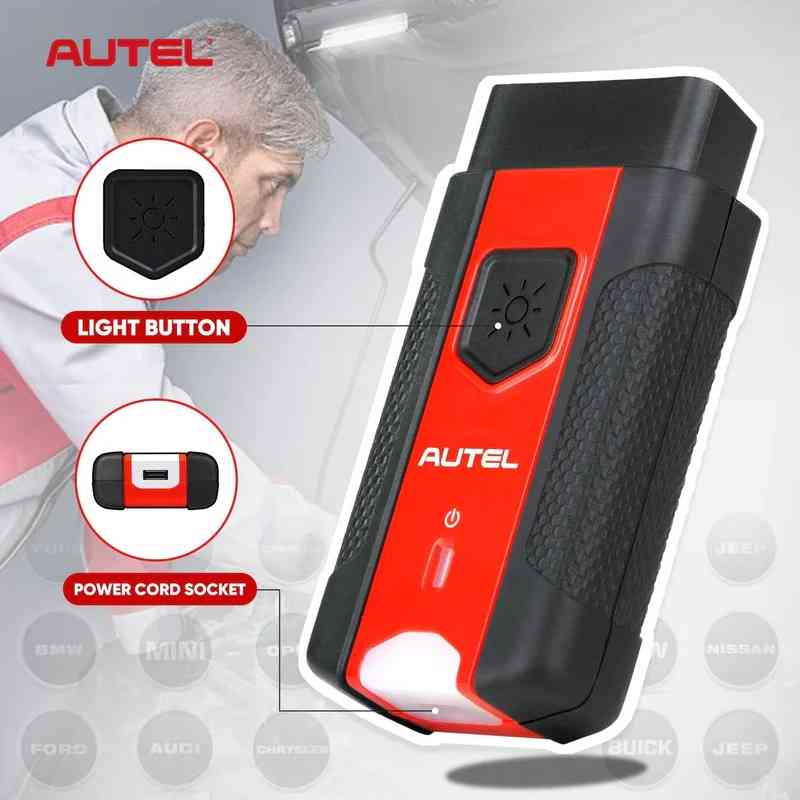
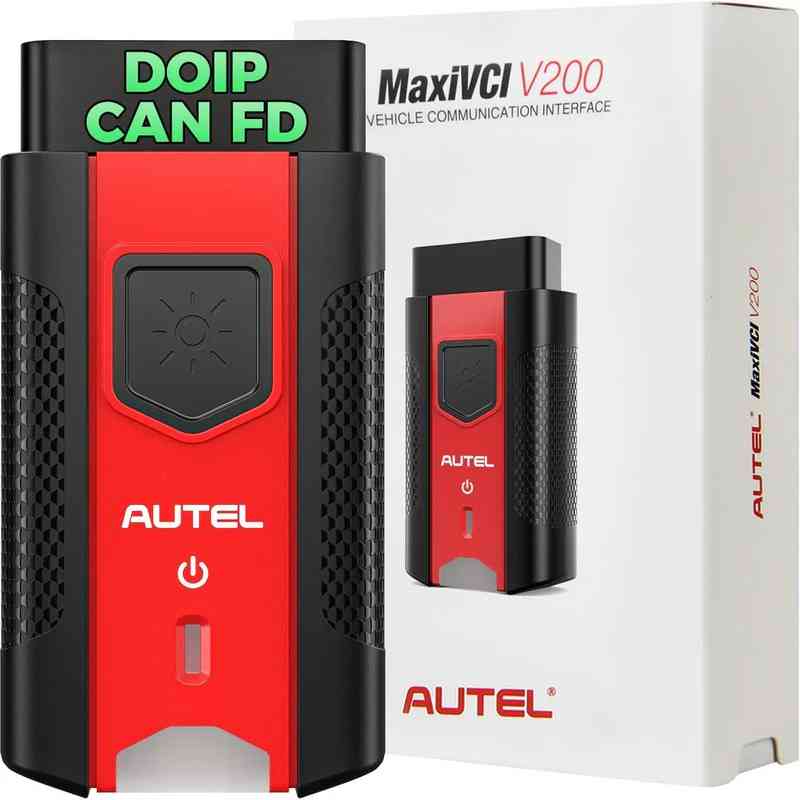
Autel MaxiVCI V200 – Bluetooth Vehicle Communication Interface
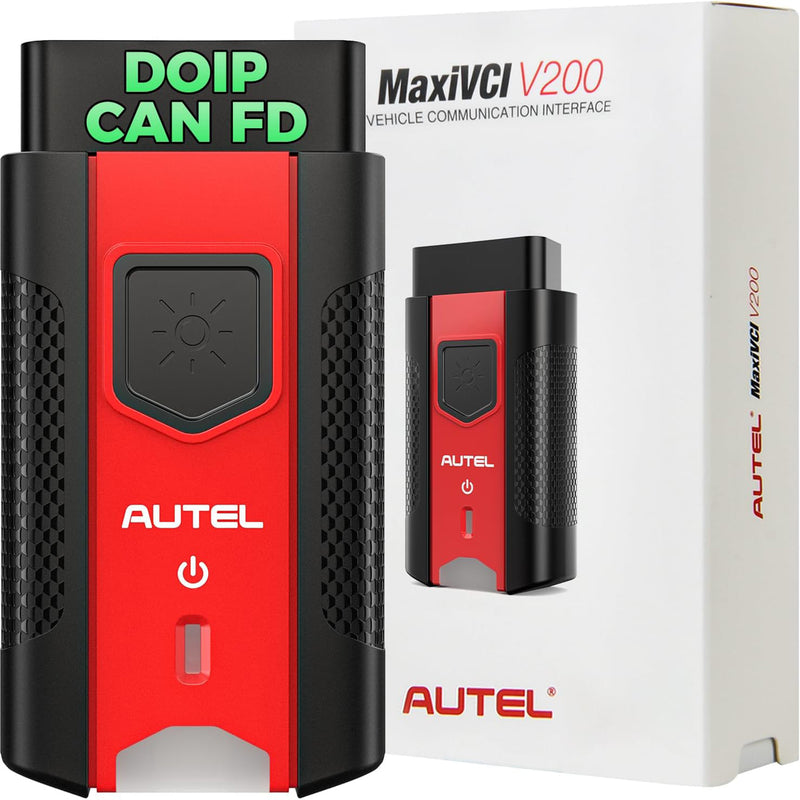
Autel MaxiVCI V200 is a professional Vehicle Communication Interface (VCI) designed to act as a communication bridge between the vehicle and Autel diagnostic tools. It supports both Bluetooth wireless and USB cable connections, providing stable and fast data transmission.
The MaxiVCI V200 is compatible with a wide range of Autel diagnostic devices, including MaxiCOM MK906 Pro, MK906 Pro-TS, MaxiSys MS906 Pro, MS906 Pro-TS, KM100, BT608, BT609, and ITS600, enabling professional-level vehicle diagnostics.
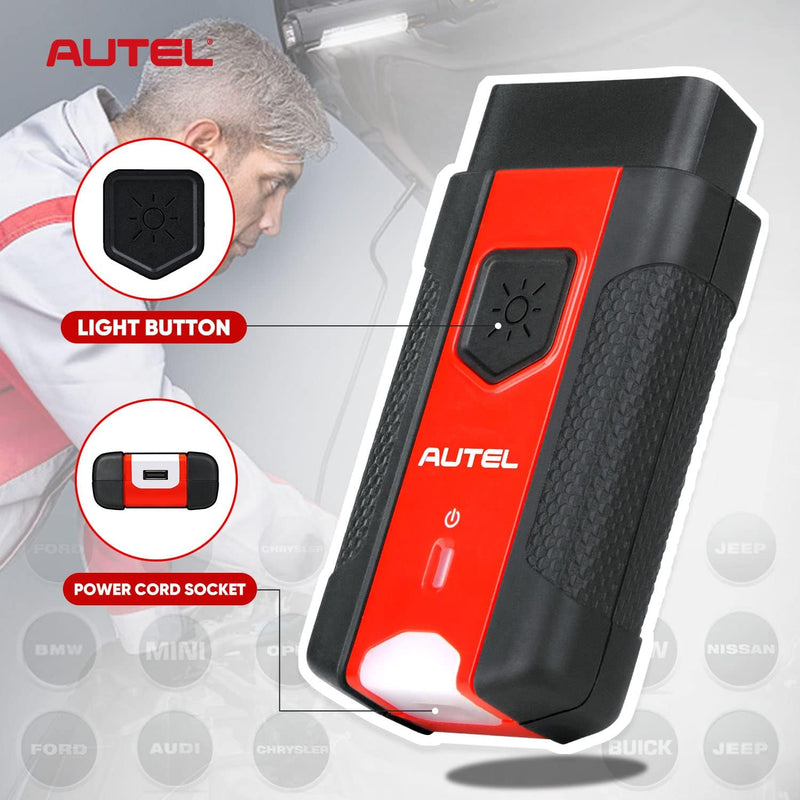
Main Features
- Supports Bluetooth wireless and USB cable connections
- Compatible with CAN, EOBD, OBD, and OBDII protocols
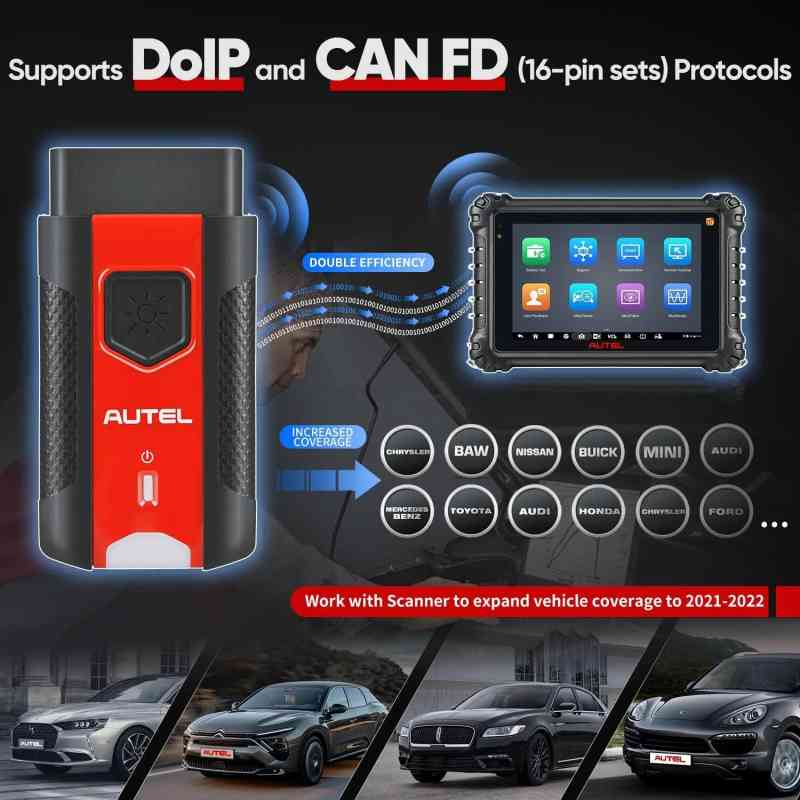
- Supports advanced CAN FD and DOIP protocols
- Expands vehicle communication coverage (1996 – 2022)
- Acts as a data communication bridge between vehicle and diagnostic scanner
- Compact, stable, and user-friendly design

Compatible Autel Diagnostic Tools
- Autel MaxiCOM MK906 Pro
- Autel MaxiCOM MK906 Pro-TS
- Autel MaxiSys MS906 Pro
- Autel MaxiSys MS906 Pro-TS
- Autel KM100
- Autel BT608 / BT609
- Autel ITS600

How to Connect the Vehicle and Diagnostic Scanner
- Plug the MaxiVCI V200 into the vehicle’s DLC (OBD) port
- Ensure the diagnostic tablet has sufficient battery power or is connected to a power supply
- Select the connection method:
- Bluetooth Connection: Pair the scanner with the MaxiVCI V200 via VCI Manager (automatic pairing)
- USB Cable Connection: Connect the scanner and MaxiVCI V200 using a USB cable
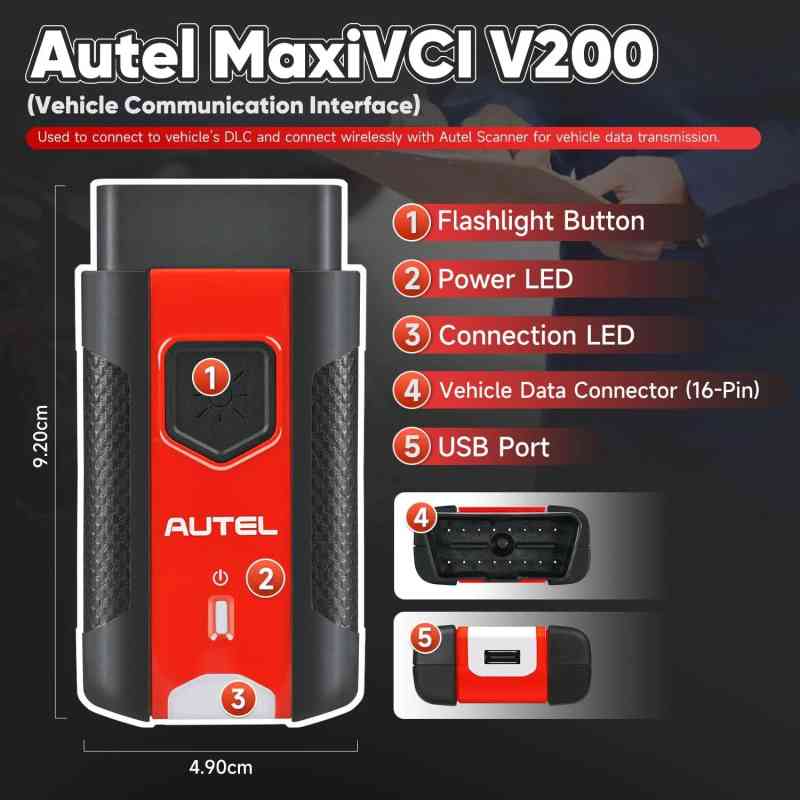
MaxiVCI V200 LED Indicator Description
- Power LED:
- Yellow: Device is powered on and performing self-check
- Green: Ready for use
- Flashing Red: Firmware is updating
- Connection LED:
- Solid Green: Cable connected
- Flashing Green: Communicating via USB cable
- Solid Blue: Bluetooth connected
- Flashing Blue: Communicating via Bluetooth
Important Notes
- Only compatible with supported Autel diagnostic scanners
- Supports OBDII vehicles from 1996 to 2022
- Recommended for professional workshop and technician use
- Keep firmware updated for optimal compatibility and performance
0
Comments

